// ALSO BUILDING 09 - 2026
FlowState
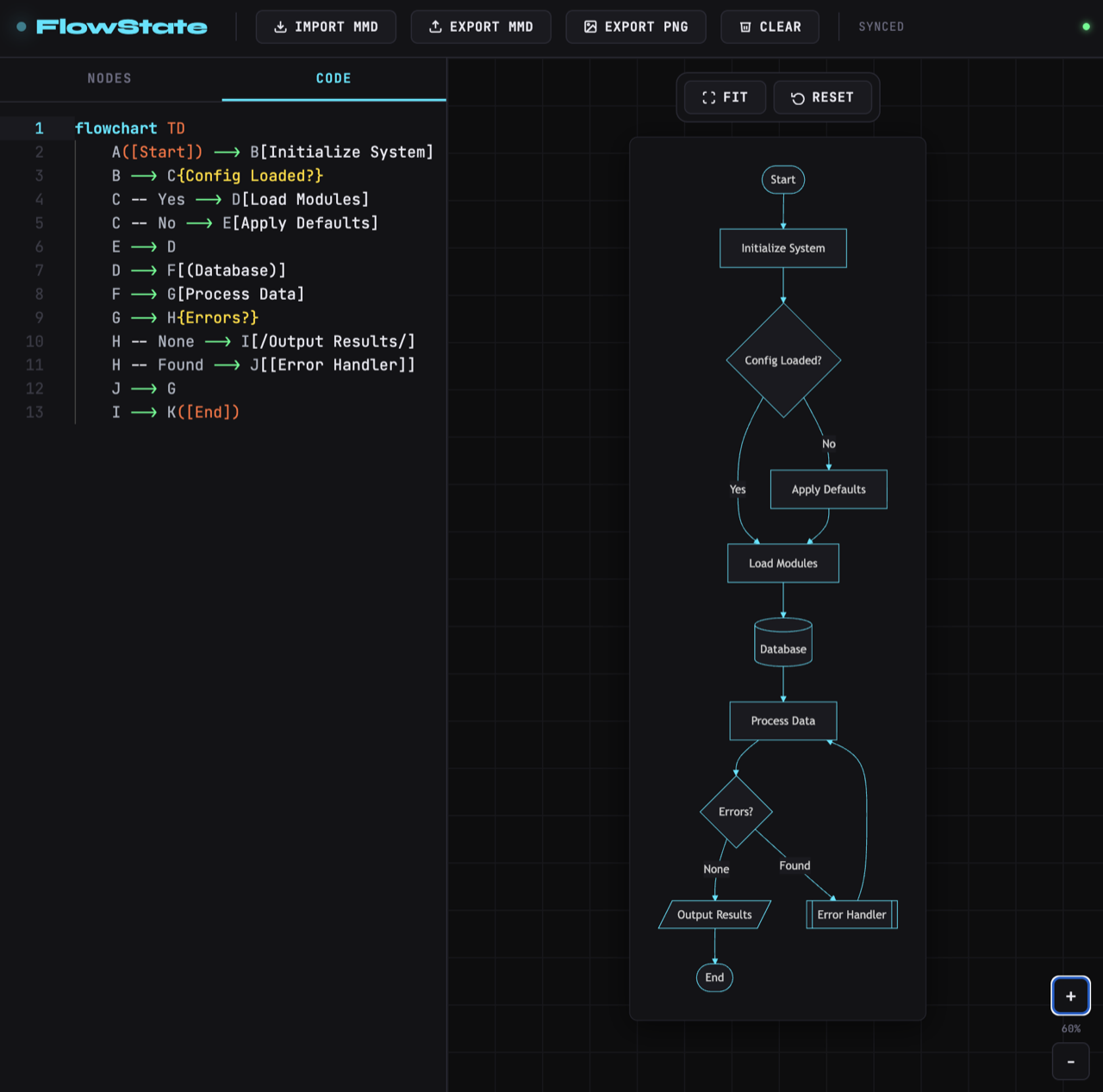
A visual, drag-and-drop editor for Mermaid diagrams. You edit on a canvas while the Mermaid code stays the source of truth, and export the result as an image.
What it is
A visual, drag-and-drop editor for Mermaid diagrams. You edit on a canvas while the Mermaid code stays the source of truth, and export the result as an image.
Why I built it
I learned about the Mermaid language for creating flowcharts with minimal markup while building process documents within Notion. It's elegant and clean - and easy to manipulate with simple scripts or AI tools to fit your needs. I wanted to see if I could create a drag-and-drop visual editor (a poor-man's Figma) that natively worked with Mermaid, and let you export flowcharts and diagrams as image files. While substantial work remains to make the drag-and-drop functionality work, FlowState already functions excellently as a Mermaid viewer and export tool.
How it works
It's a static Vite + TypeScript app with no UI framework. Monaco holds the Mermaid code on the left, Mermaid renders the diagram live on the right, and the code stays the single source of truth - everything you see is a view of the text. Full drag-and-drop authoring is still in progress, so right now it shines as a live viewer and image-export tool.
- Live Mermaid render with a debounce and a non-blocking error overlay, so a half-typed diagram keeps showing the last good version.
- Monaco editor with a hand-written Mermaid syntax highlighter and matching theme.
- Starter templates for flowchart, sequence, ER, gantt, pie, and state diagrams.
- Import a
.mmdpaste; export.mmdor.png.